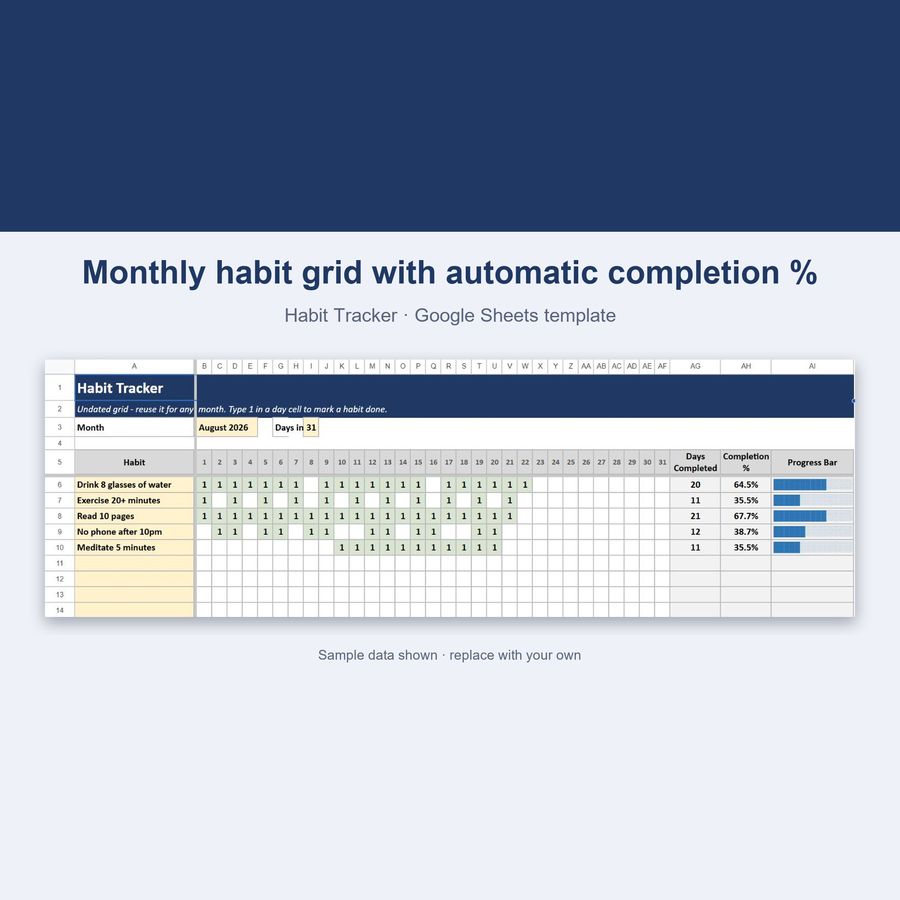
Habit Tracker — Google Sheets & Excel
Undated 31-day grid that scores your habits automatically
- Instant digital download; nothing is shipped
- Format: Google Sheets + Excel (Google Sheets, Excel .xlsx, Instructions)
- Personal use licence · no subscription
About this product
An undated habit grid that scores itself. List up to 15 habits, check off each day you complete one, and the sheet instantly calculates your completion rate, your best-kept habit, and your "perfect days" — no manual counting, ever.
What you get
- Undated 1-31 day grid — reuse the exact same file every single month, forever
- Track up to 15 habits at once
- Type "1" to mark a day done — the cell highlights automatically
- Live "Days Completed" and "Completion %" per habit
- Text-based progress bar per habit (no charts to fiddle with)
- Full Dashboard — total check-ins, overall completion rate, best habit, most-missed habit
- 🏆 "Perfect Days" counter — days where every habit was checked off
- Color-coded, protected cells — formulas can't be accidentally overwritten
- Works in Google Sheets AND Excel, 100% identically
How it works
- Download the .xlsx file
- Upload it to Google Sheets (File → Import → Upload) or open it directly in Excel
- 5 demo habits with sample check-ins are pre-loaded so you see it working immediately
- Delete the demo habits and list your own — up to 15
- Type 1 in a day's cell every time you complete a habit — everything else updates itself
Why undated?
No new file to buy every month, no wasted rows for dates that don't apply to you. The grid is numbered 1-31 (like a classic printable tracker) so you can start using it any day, for any month, and reuse it forever — just clear the marks or duplicate the tab to keep a monthly history.
Key features
- Days Completed & Completion % per habit, calculated live
- Text progress bar for every habit row
- Total check-ins across all habits
- Best habit & most-missed habit, auto-identified
- Perfect Days counter (every habit done, same day)
100% private
Your data lives in your own Google Sheets copy or local Excel file — nothing is sent anywhere.
Questions
Do I need a Google account?
To use Google Sheets, yes (it's free). The file also works fully in Microsoft Excel — every formula in this template works identically in both.
How do I start a new month?
Either clear the day columns to start fresh, or duplicate the tab first to keep a full history — both take under a minute.
Can I track more than 15 habits?
15 rows are built in. If you need more, just insert additional rows following the same pattern.
Does it track streaks?
Because the grid is undated (not tied to real calendar days), it focuses on completion % and perfect days rather than a "current streak" counter — the colored grid makes consecutive runs easy to spot visually.
How do I open the template?
Upload the .xlsx file to Google Sheets (File → Import) or open it directly in Excel. Step-by-step instructions are included in the download.
Can I share the files?
Files are for your personal use. Please don’t resell or redistribute them. See the licence page for details.
Something isn’t working. What now?
Email hello@desklarkshop.com and we’ll help. See the refund policy for details.
You may also like
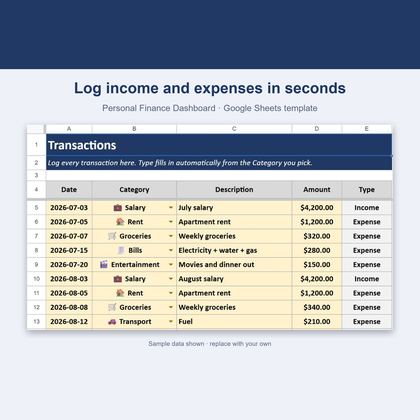
Personal Finance Dashboard — Google Sheets & Excel
Income, expenses, budgets and savings rate in one spreadsheet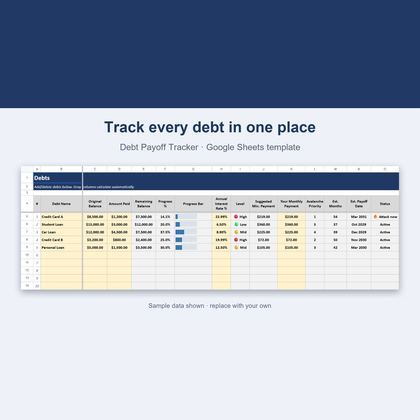
Debt Payoff Tracker — Google Sheets & Excel
Avalanche method, payoff dates and a what-if simulator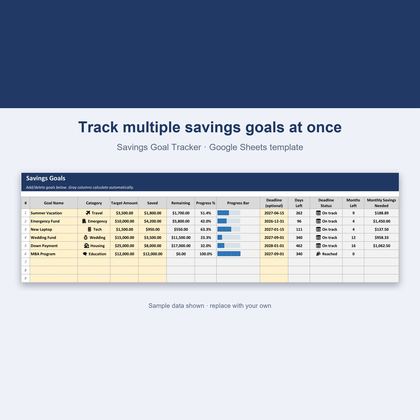
Savings Goal Tracker — Google Sheets & Excel
Track multiple goals with deadlines and monthly amounts needed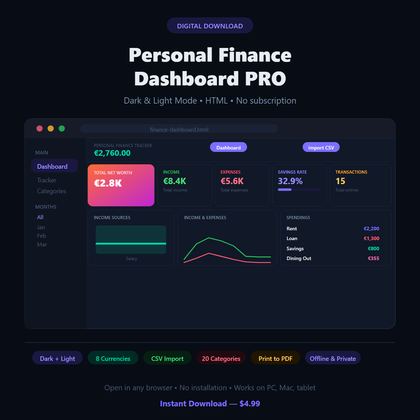
Personal Finance Dashboard — Browser App
Dark-mode budget tracker with charts, 20 categories and 8 currenciesGet a free worksheet pack + new-product alerts
Join the DeskLark list for a free sample pack and a heads-up when new products land. About one email a week; unsubscribe any time.