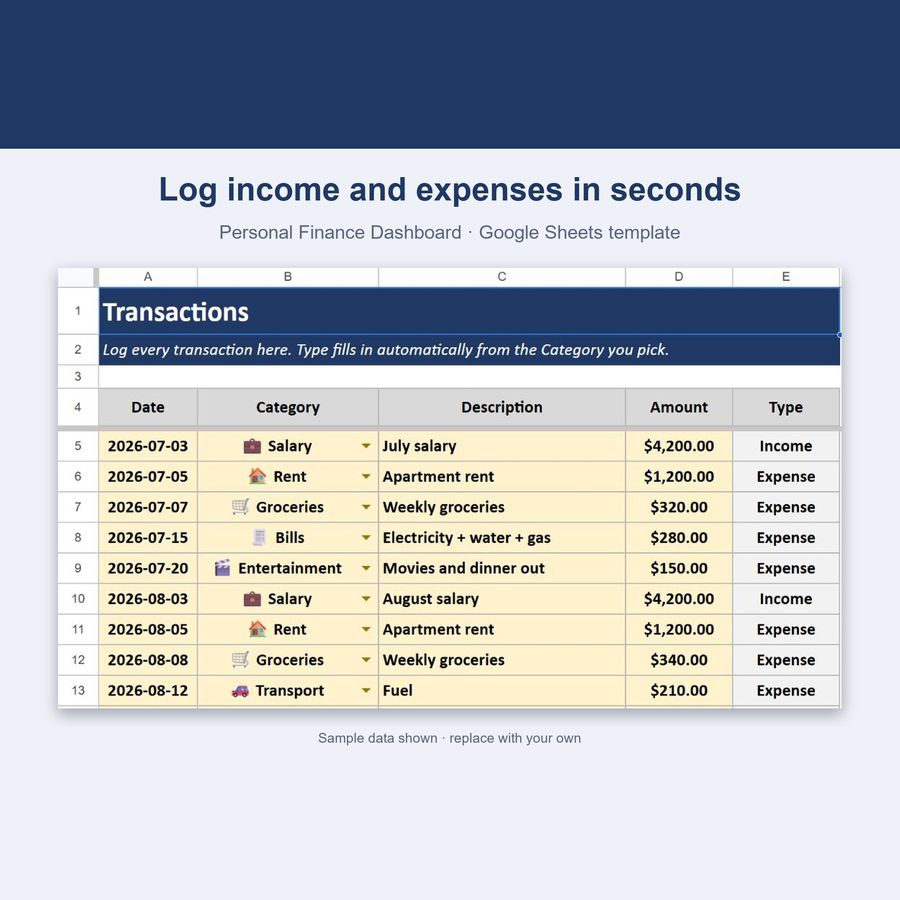
Personal Finance Dashboard — Google Sheets & Excel
Income, expenses, budgets and savings rate in one spreadsheet
- Instant digital download; nothing is shipped
- Format: Google Sheets + Excel (Google Sheets, Excel .xlsx, Instructions)
- Personal use licence · no subscription
About this product
A complete personal finance system in one spreadsheet: log every transaction once, and it automatically builds your monthly income/expense summary, category budgets, and an overall dashboard — all with live formulas, no manual recalculating, no subscription.
What you get
- 5 connected tabs: Categories, Transactions, Monthly Summary, Dashboard, Instructions
- 20 built-in categories (17 expense + 3 income) — add unlimited custom ones
- Auto-filled transaction Type — pick a category, the Income/Expense type fills itself in (no mismatches possible)
- Per-category Monthly Budgets, with live "Budget Used %" tracking
- Jan-Dec Monthly Summary table for any year — income, expenses, net savings
- Full Dashboard — all-time totals, savings rate, this month's numbers, budget status
- Top Spending Categories This Month, auto-ranked (Google Sheets QUERY)
- 150 transaction rows built in — about a year of activity for most households
- Color-coded, protected cells — formulas can't be accidentally overwritten
- Works in Google Sheets AND Excel
One-time payment vs. subscription apps
- Most budgeting apps charge you every single month, forever:
- | | Monthly subscription apps | Personal Finance Dashboard (Sheets) |
- |---|---|---|
- | Price | ~$5–15 / month ($60–180 / year) | $4.49 **once** |
- | Account required | Yes, theirs | No — just your own Google account |
- | Your data | On their servers | In your own Google Sheets / Excel file |
- | Customizable | Rarely | Fully — it's a spreadsheet you own |
How it works
- Download the .xlsx file
- Upload it to Google Sheets (File → Import → Upload) or open it directly in Excel
- Set up your categories and monthly budgets first (Categories tab)
- Log transactions as they happen (Transactions tab) — 16 demo rows show you the pattern
- Watch your Monthly Summary and Dashboard update automatically, in real time
20 categories included
- Expense: Bills · Dining Out · Education · Entertainment · Gifts · Groceries · Health · Insurance · Loan · Personal Care · Pets · Rent · Savings · Shopping · Subscriptions · Transport · Travel
- Income: Salary · Freelance · Other Income
100% private
Your data lives in your own Google Sheets copy or local Excel file — nothing is sent anywhere, no account with a third party required beyond your own Google/Microsoft login.
Questions
Do I need a Google account?
To use Google Sheets, yes (it's free). The file also works fully in Microsoft Excel.
Can I add my own categories?
Yes — the Categories tab has 15 empty rows ready for custom categories, in addition to the 20 built-in ones.
Does the "Top Spending Categories" table work in Excel?
The core spreadsheet (Transactions, Categories, Monthly Summary, and every Dashboard KPI) works identically in Excel. That one bonus table uses a Google Sheets–only function and may show an error in classic Excel — everything else is unaffected.
What if I run out of transaction rows?
150 rows are built in. If you need more, just insert additional rows following the same pattern — the formulas copy down automatically.
How do I open the template?
Upload the .xlsx file to Google Sheets (File → Import) or open it directly in Excel. Step-by-step instructions are included in the download.
Can I share the files?
Files are for your personal use. Please don’t resell or redistribute them. See the licence page for details.
Something isn’t working. What now?
Email hello@desklarkshop.com and we’ll help. See the refund policy for details.
You may also like
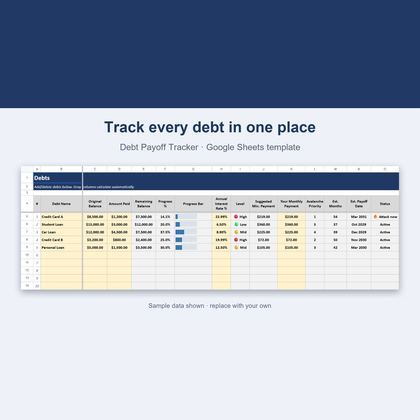
Debt Payoff Tracker — Google Sheets & Excel
Avalanche method, payoff dates and a what-if simulator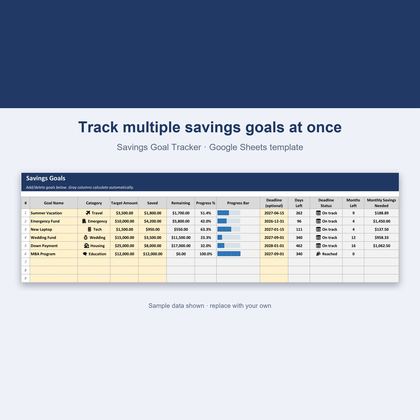
Savings Goal Tracker — Google Sheets & Excel
Track multiple goals with deadlines and monthly amounts needed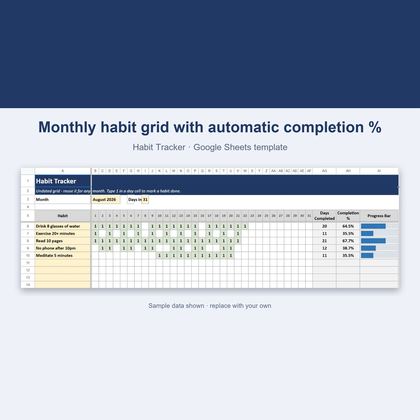
Habit Tracker — Google Sheets & Excel
Undated 31-day grid that scores your habits automatically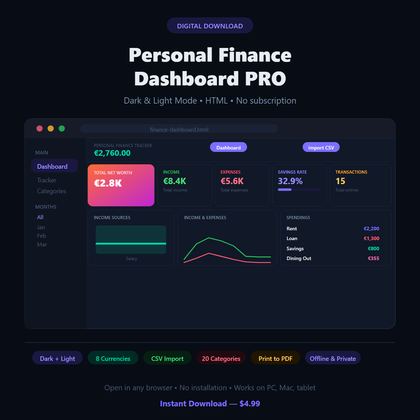
Personal Finance Dashboard — Browser App
Dark-mode budget tracker with charts, 20 categories and 8 currenciesGet a free worksheet pack + new-product alerts
Join the DeskLark list for a free sample pack and a heads-up when new products land. About one email a week; unsubscribe any time.