Class Performance Dashboard — Browser App
Import grades from a CSV and get an instant class analytics dashboard
- Instant digital download; nothing is shipped
- Format: Browser app (HTML) (HTML app, Instructions)
- Personal use licence · no subscription
About this product
Import your gradebook as a CSV (or start from the included template) and get instant KPIs, grade-distribution charts and a searchable, editable student table. Built for a single class, so there is nothing to configure. Runs in your browser, no account needed.
What you get
- 6 demo students pre-loaded — see it working the second you open it
- One-click import from your Gradebook spreadsheet (CSV)
- Blank Excel import template included — no Gradebook product required to get started
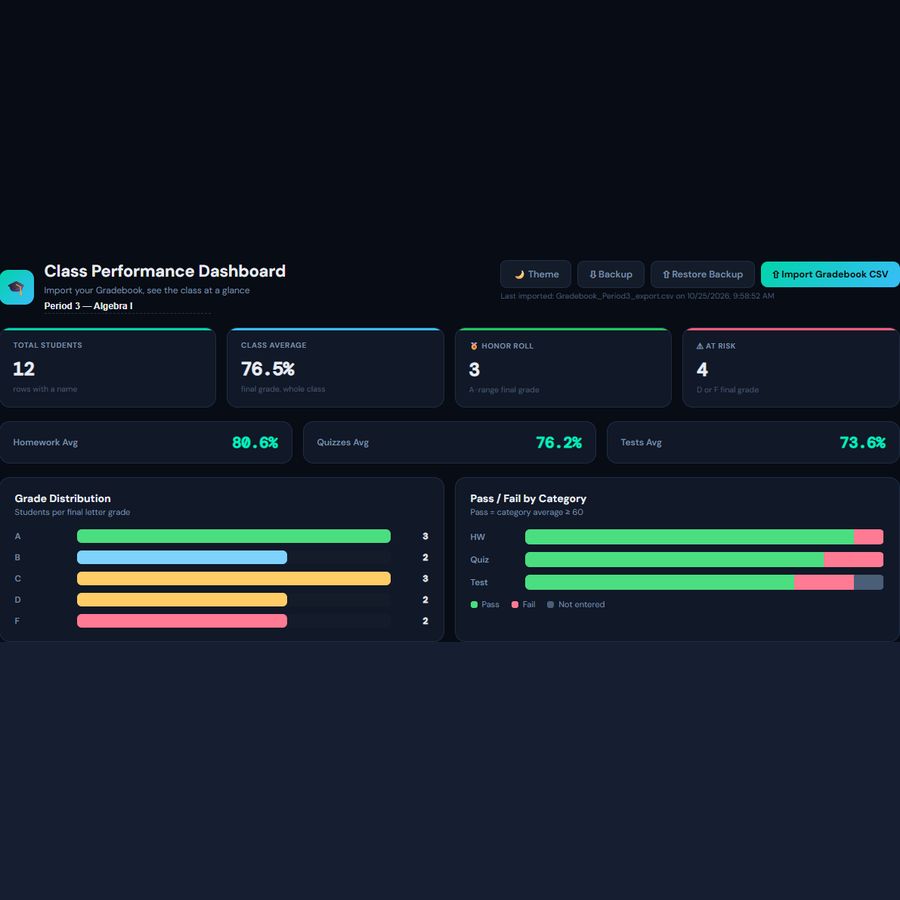
- Live KPI cards: Total Students, Class Average, Honor Roll, At Risk
- Homework / Quizzes / Tests average cards
- Grade Distribution chart (A–F, at a glance)
- Pass/Fail by Category chart, with a "not entered" state so half-graded classes still look right
- Sortable, searchable student table — click any cell to edit
- Per-student Notes field for anything the gradebook doesn't capture
- Beautiful dark mode dashboard (+ light mode toggle)
- Backup/Restore so you can move your data to another computer or browser
- Works in any modern browser — no installation, no account
- 100% private — your students' data never leaves your device
What you can import
- ClassPerformanceDashboard.html — main dashboard (open in any browser)
- ImportTemplate.xlsx — blank starter spreadsheet (works even if you don't own our Gradebook) — fill in students, get an auto-calculated Final Grade % and Letter, export as CSV
- Instructions.html — full user guide, including browser compatibility notes
What you can import
- Reads column headers by name, not position — tolerant of extra columns
- Grade Distribution and Pass/Fail charts recalculate live as you edit
- Click-to-edit table with inline Letter-grade override and free-text Notes
- Backup button exports your full dashboard state (including manual edits) as a portable file
- Designed to pair with our Teacher Gradebook (Google Sheets) product, but works with any CSV that has a Student Name column
Printable Habit Tracker & Everyday Planner Guide: Build Routines That Stick (+ Free PDF)
How to organize your days, track monthly habits, and plan meals without complex apps. Free printable daily checklist and 30-day habit tracker PDF included.
Questions
Do I need to install anything?
No. Open the HTML file in Chrome, Edge, Firefox or Safari. It works offline.
Where is my data stored?
In your browser on your own device. Nothing is uploaded, and you can export a backup at any time.
Does it sync between devices?
No. Data lives in the browser on the device you use. Use the export and import backup to move it.
Can I share the files?
Files are for your personal use. Please don’t resell or redistribute them. See the licence page for details.
Something isn’t working. What now?
Email hello@desklarkshop.com and we’ll help. See the refund policy for details.
Frequently bought together
You may also like
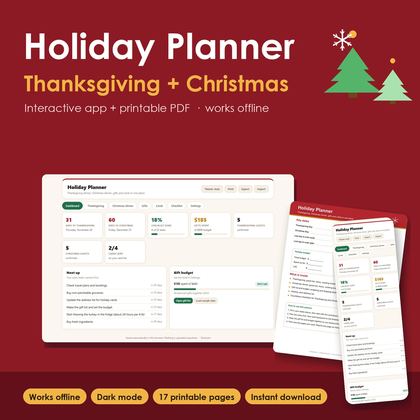
Holiday Planner PRO — Thanksgiving & Christmas Hub
Thanksgiving & Christmas dinner menus, guest list, gift budget and holiday cards in one dashboard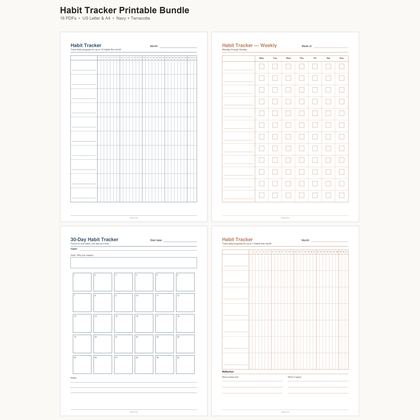
Habit Tracker Printable Bundle — Monthly, Weekly & 30-Day
16 undated PDF trackers · Letter & A4 · two colour styles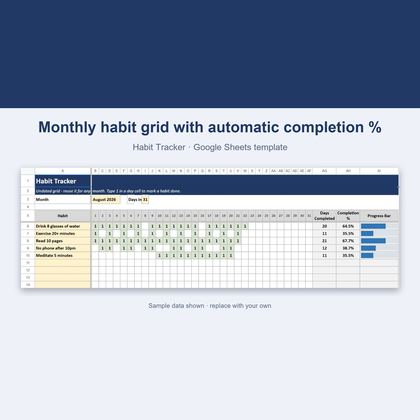
Habit Tracker — Google Sheets & Excel
Undated 31-day grid that scores your habits automatically