Invoice Template — Google Sheets & Excel
Printable invoice with auto-calculated totals, a 40-row invoice log and a payment dashboard
- Instant digital download; nothing is shipped
- Format: Google Sheets + Excel (Google Sheets, Excel .xlsx, Instructions)
- Personal use licence · no subscription
About this product
Fill in one clean invoice, send it as a PDF, and log it in one place — then watch exactly who's paid, who's outstanding, and who's overdue update automatically. Built for freelancers, consultants, and small business owners who bill clients regularly.
What you get
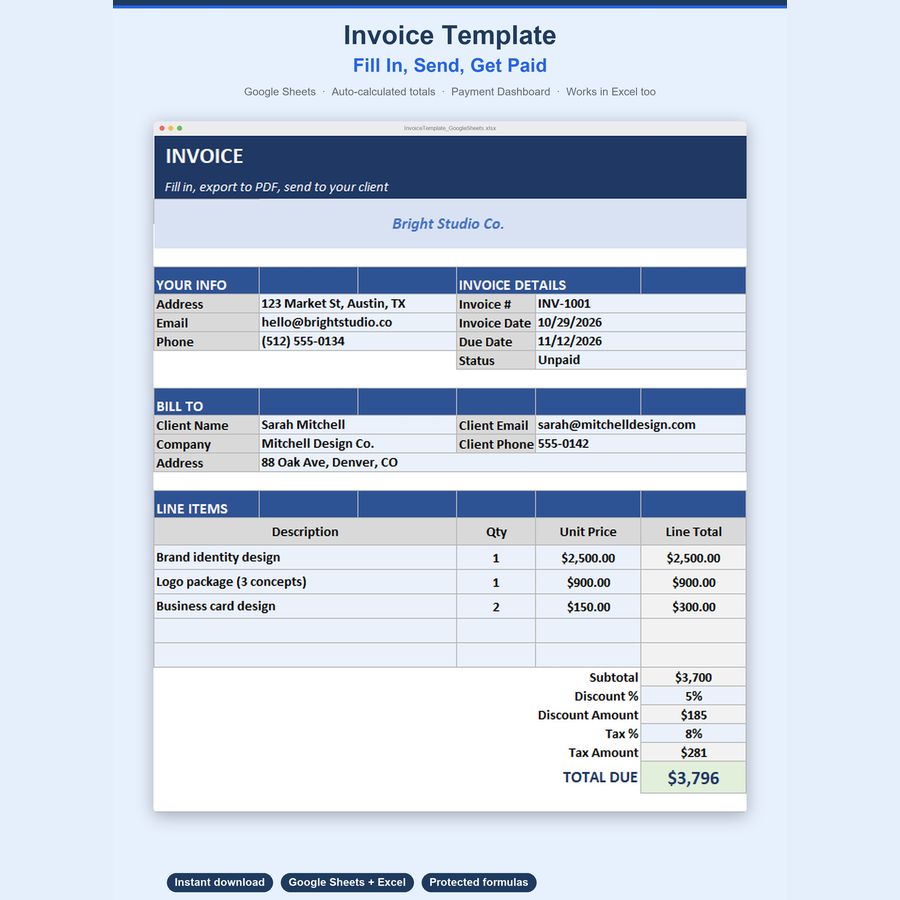
- A clean, printable Invoice tab — company info, client info, 15 line items, auto-calculated Subtotal/Discount/Tax/Total Due
- An Invoices log with 40 built-in rows to track every invoice you send
- Automatic red flag when an unpaid invoice is past its due date — no manual status updates needed
- Full payment Dashboard — Total Invoiced, Total Paid, Total Outstanding, Overdue Amount, Avg Invoice Value
- Paid vs. Outstanding and by-status breakdown with visual bars and charts
- Color-coded, protected cells — formulas can't be accidentally overwritten
- Works in Google Sheets AND Excel — no special functions, no compatibility gaps
How it works
- Download the .xlsx file
- Upload it to Google Sheets (File → Import → Upload) or open it directly in Excel
- Fill in your company info once at the top of the Invoice tab
- Fill in the client's info, invoice #, dates, and line items — totals calculate instantly
- Export to PDF (File → Download → PDF) or print, and send it to your client
- Log it on the Invoices tab — mark it Paid once you've been paid, and the Dashboard updates automatically
Key features
- Auto-calculated Subtotal, Discount %, Tax %, and Total Due on the Invoice tab
- Invoices log: invoice #, client, issue date, due date, amount, status, paid date
- 🎉 Overdue invoices highlight automatically — the Dashboard counts them, the log flags them red
- Paid rows highlight green so your fully-collected invoices are obvious at a glance
- Dashboard breakdown by Paid / Unpaid (not due) / Overdue — count, value, % of total
100% private & offline-capable
Your data lives in your own Google Sheets copy or local Excel file — nothing is sent anywhere.
Questions
Do I need a Google account?
To use Google Sheets, yes (it's free). The file also works fully in Microsoft Excel — every formula is a standard function supported in both.
Can I send the actual spreadsheet tab to my client, or do I need to convert it?
Most people export the Invoice tab to PDF (File → Download → PDF) and send that — it looks like a normal printed invoice.
Can I track more than 40 invoices, or add more than 15 line items?
Yes — just insert more rows on the Invoices tab or above the Subtotal line on the Invoice tab, following the same pattern.
Does it calculate sales tax or VAT automatically based on my location?
No — you enter your own Tax % per invoice, since rates vary by location and business type.
How do I open the template?
Upload the .xlsx file to Google Sheets (File → Import) or open it directly in Excel. Step-by-step instructions are included in the download.
Can I share the files?
Files are for your personal use. Please don’t resell or redistribute them. See the licence page for details.
Something isn’t working. What now?
Email hello@desklarkshop.com and we’ll help. See the refund policy for details.
Frequently bought together
You may also like
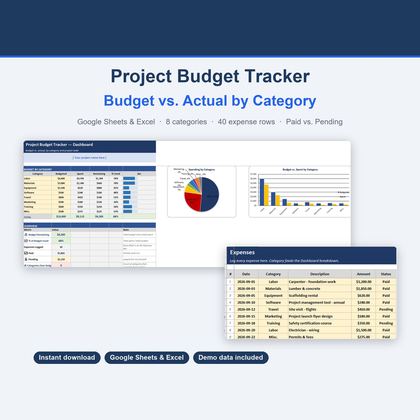
Project Budget Tracker — Google Sheets & Excel
Budget vs. actual across 8 editable categories with 40 expense rows and Paid/Pending tracking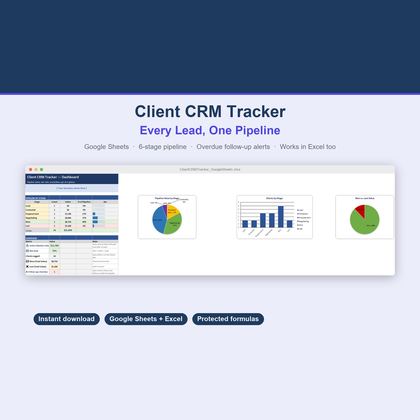
Client CRM Tracker — Google Sheets & Excel
6-stage pipeline, 40 client rows, automatic overdue follow-up flags and a win-rate dashboard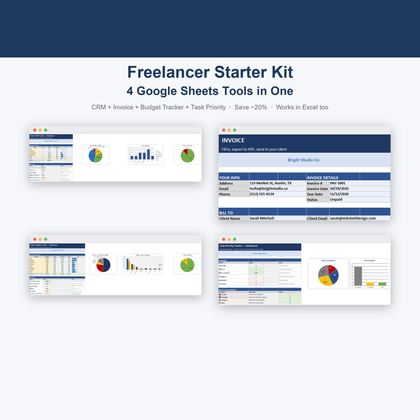
Freelancer Starter Kit — Google Sheets & Excel
CRM, Invoice, Budget Tracker and Task Priority Tracker — 4 connected Google Sheets in one bundle