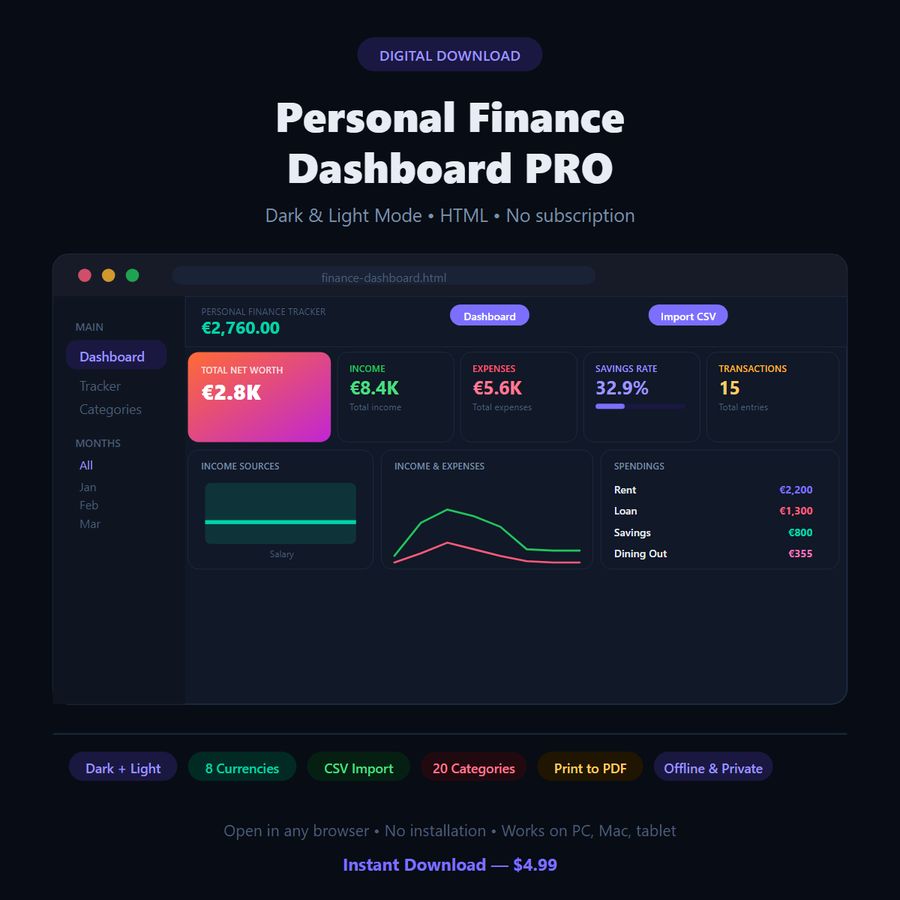
Personal Finance Dashboard — Browser App
Dark-mode budget tracker with charts, 20 categories and 8 currencies
- Instant digital download; nothing is shipped
- Format: Browser app (HTML) (HTML app, Instructions)
- Personal use licence · no subscription
About this product
A complete budget dashboard that runs in your browser: no account, no subscription, no internet needed. Your data stays on your device.
What you get
- 100% Private & Offline: Your numbers are stored strictly on your own device (`localStorage`). Nothing is uploaded to external clouds or servers.
- Interactive Executive Analytics: Real-time visual charts for income vs. expenses, top spending categories, and donut expense allocation breakdown.
- Bank CSV Import: Load transactions directly from your bank or credit card CSV export in seconds.
- Tax-Ready Reporting: 1-click Export Annual Tax Summary (CSV) generates a neat 12-month summary breakdown ready for Excel or your accountant.
- Print & Save as PDF: One-click executive landscape financial statement (`Ctrl + P`) formatted with clean typography, ink-saving borders, and date stamps.
- Multi-Currency Support: Switch effortlessly between 8 major currencies: EUR (€), USD ($), GBP (£), RON (lei), CHF, SEK, PLN, and HUF.
- Budget Limits & Goals: Custom monthly income target and per-category budget threshold alerts with animated progress indicators.
- Dark & Light Mode: Seamlessly switch between a sleek cyber dark theme and an ink-saving light workspace.
- DeskLark VIP Club Bonus: Includes instant access to our VIP20 voucher code (20% OFF future DeskLark tools) and downloadable starter freebies.
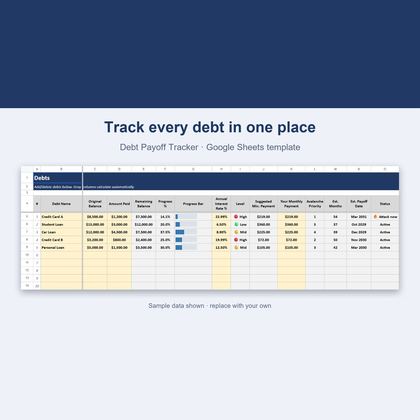
Budget Spreadsheet for Google Sheets: Set One Up in 10 Minutes
How to set up a monthly budget spreadsheet in Google Sheets in 10 minutes, with a free one-category-per-row template you can copy right now.
Questions
Do I need to install anything?
No. Open the HTML file in Chrome, Edge, Firefox or Safari. It works offline.
Where is my data stored?
In your browser on your own device. Nothing is uploaded, and you can export a backup at any time.
Does it sync between devices?
No. Data lives in the browser on the device you use. Use the export and import backup to move it.
Can I share the files?
Files are for your personal use. Please don’t resell or redistribute them. See the licence page for details.
Something isn’t working. What now?
Email hello@desklarkshop.com and we’ll help. See the refund policy for details.
Frequently bought together
You may also like
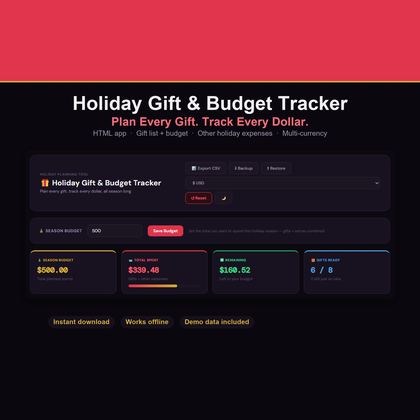
Holiday Gift & Budget Tracker — Browser App
Christmas gift list, budget vs actual and recipient tracker in dark & light mode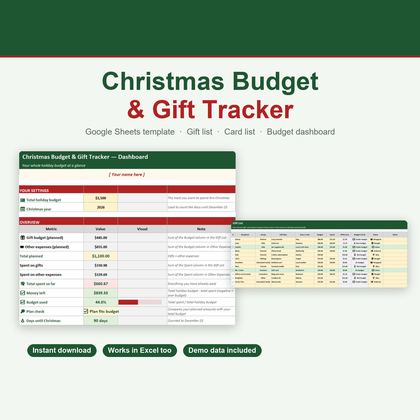
Christmas Budget & Gift Tracker — Google Sheets & Excel
Holiday budget, 40-slot gift list, other expenses and card tracker in one spreadsheet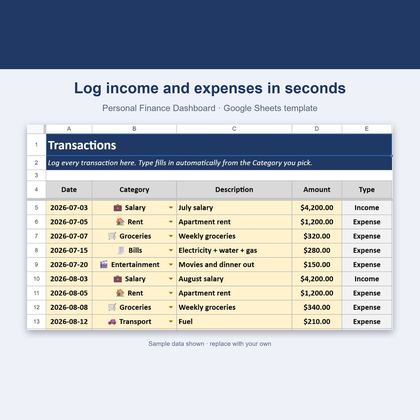
Personal Finance Dashboard — Google Sheets & Excel
Income, expenses, budgets and savings rate in one spreadsheet