Wedding Guest List & RSVP Tracker — Google Sheets & Excel
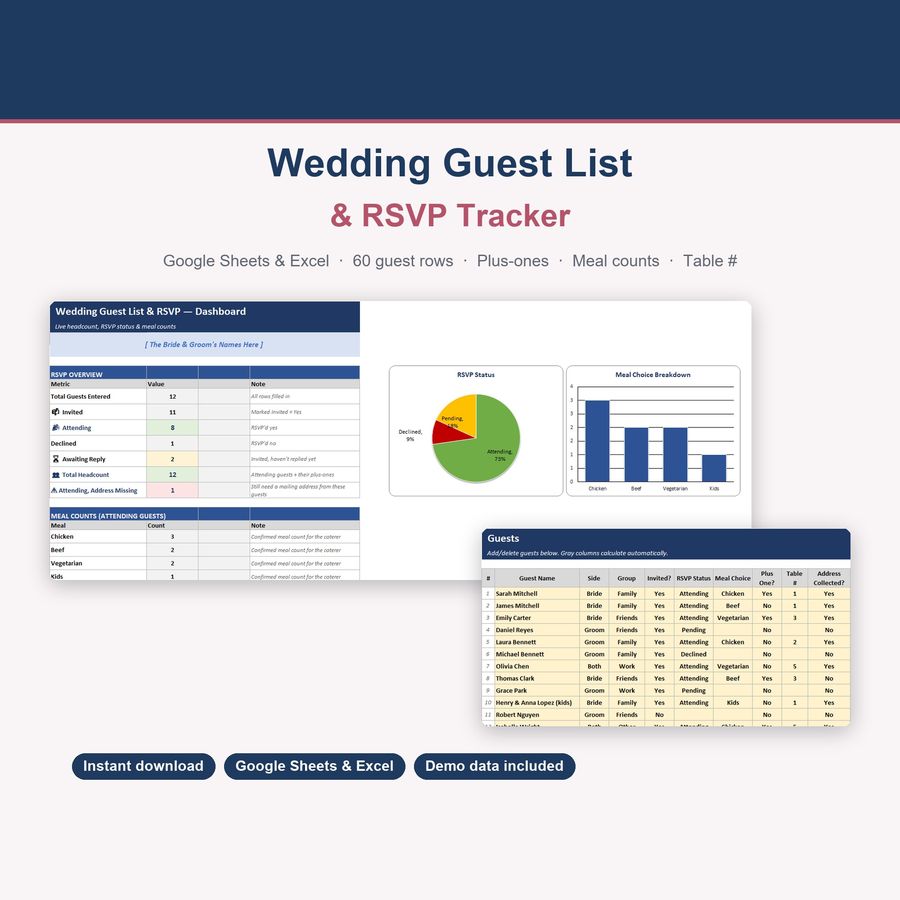
Track 60 guests, plus-ones, RSVP status, caterer meal counts and table seating
- Instant digital download; nothing is shipped
- Format: Google Sheets + Excel (Google Sheets, Excel .xlsx, Instructions)
- Personal use licence · no subscription
About this product
Keep every guest, every RSVP, every meal choice, and every table assignment in one place — and know your real headcount the moment replies start coming in, not three weeks before the wedding when you're guessing.
What you get
- 60 built-in guest rows, ready to fill in
- Side (Bride/Groom/Both) and Group (Family/Friends/Work/Other) tagging for easy sorting
- RSVP Status dropdown (Pending/Attending/Declined) with a live count of each
- Meal Choice tracking (Chicken/Beef/Vegetarian/Kids) with an auto-updating count for your caterer
- Plus-one tracking that feeds a real "Total Headcount" — not just a guest count
- Table # column for seating assignments
- "Attending, Address Missing" flag — never forget to collect an address for invites or thank-you cards
- Color-coded, protected cells — formulas can't be accidentally overwritten
- Works in Google Sheets AND Excel — no special functions, no compatibility gaps
How it works
- Download the .xlsx file
- Upload it to Google Sheets (File → Import → Upload) or open it directly in Excel
- 12 demo guests are pre-loaded so you see it working immediately
- Delete the demo rows and add your real guest list
- Update RSVP Status, Meal Choice, and Table # as replies come in — the Dashboard updates instantly
Key features
- Live Dashboard: Total Invited, Attending, Declined, Awaiting Reply, Total Headcount
- Meal count breakdown ready to hand straight to your caterer
- 🎉 Rows highlight green when a guest is Attending, red when they've Declined
- Address-collection tracking so invitations and thank-you cards never get held up
100% private & offline-capable
Your data lives in your own Google Sheets copy or local Excel file — nothing is sent anywhere.
Wedding Budget Planner & Guest List Guide: How to Avoid Hidden Costs (+ Free Spreadsheet)
Complete guide to planning a wedding budget, tracking guest RSVPs, and managing vendor payments in Google Sheets & Excel. Free wedding budget estimator included.
Questions
Do I need a Google account?
To use Google Sheets, yes (it's free). The file also works fully in Microsoft Excel — every formula is a standard function supported in both.
Can I track more than 60 guests?
Yes — just insert more rows on the Guests tab following the same pattern.
Can I use this for the rehearsal dinner or other events too?
Yes — the Side/Group columns and RSVP tracking work for any guest list, not just the wedding day itself.
Is there a bundle with the budget and vendor tracker?
Yes! Check the DeskLark shop for the Wedding Planning Bundle — all 3 tools together at a lower combined price.
How do I open the template?
Upload the .xlsx file to Google Sheets (File → Import) or open it directly in Excel. Step-by-step instructions are included in the download.
Can I share the files?
Files are for your personal use. Please don’t resell or redistribute them. See the licence page for details.
Something isn’t working. What now?
Email hello@desklarkshop.com and we’ll help. See the refund policy for details.
Frequently bought together
You may also like
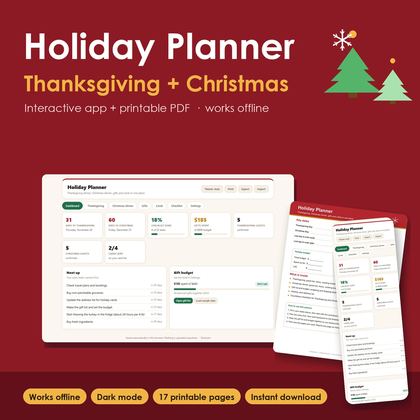
Holiday Planner PRO — Thanksgiving & Christmas Hub
Thanksgiving & Christmas dinner menus, guest list, gift budget and holiday cards in one dashboard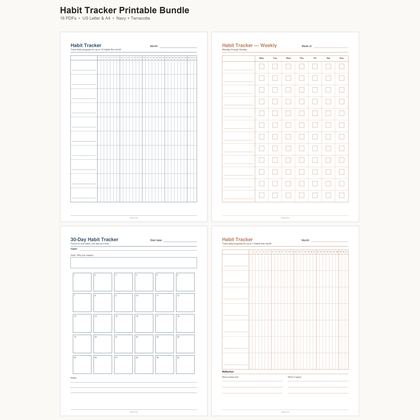
Habit Tracker Printable Bundle — Monthly, Weekly & 30-Day
16 undated PDF trackers · Letter & A4 · two colour styles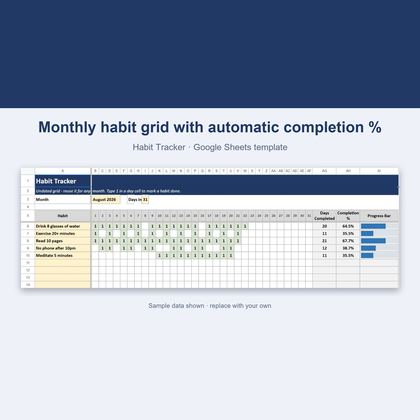
Habit Tracker — Google Sheets & Excel
Undated 31-day grid that scores your habits automatically